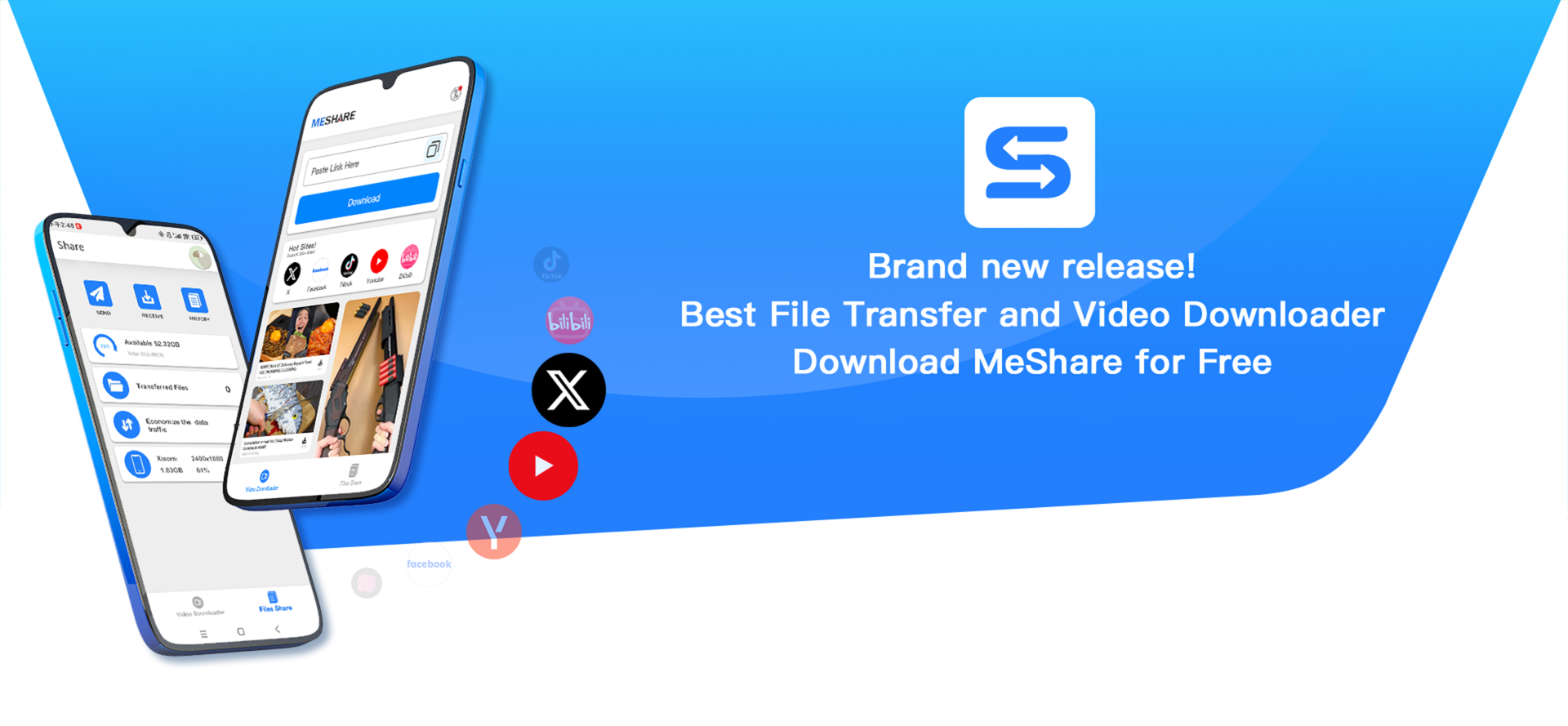

I. Fast File Transfer
MeShare App is a software utility that enable you to connect two devices and share different kinds of files without any internet connection.
- Key features:
- Transfer files with fast and stable technology, and no need internet connection, which means you don't need to pay for mobile traffic. It's totally free and save money.
- Support to transfer various kinds of files including text, music, video, apps, and the online videos in hot sites.
II. Download videos Without Watermark for FREE
MeShare enables you to download the videos in various hot sites when internet connected. After download, you can enjoy the videos when you network is not easy to access, for example, take subways or take a flight.
- Key features:
- MeShare provides different quality video files for you to select, and supports high quality video for free.
- No watermark for better user experience, which most of the tools out there can't.
How to download TikTok videos using Meshare on Android devices:
Part 1:Download APK
Click Here to Download application installation file.
Part2:Copy link
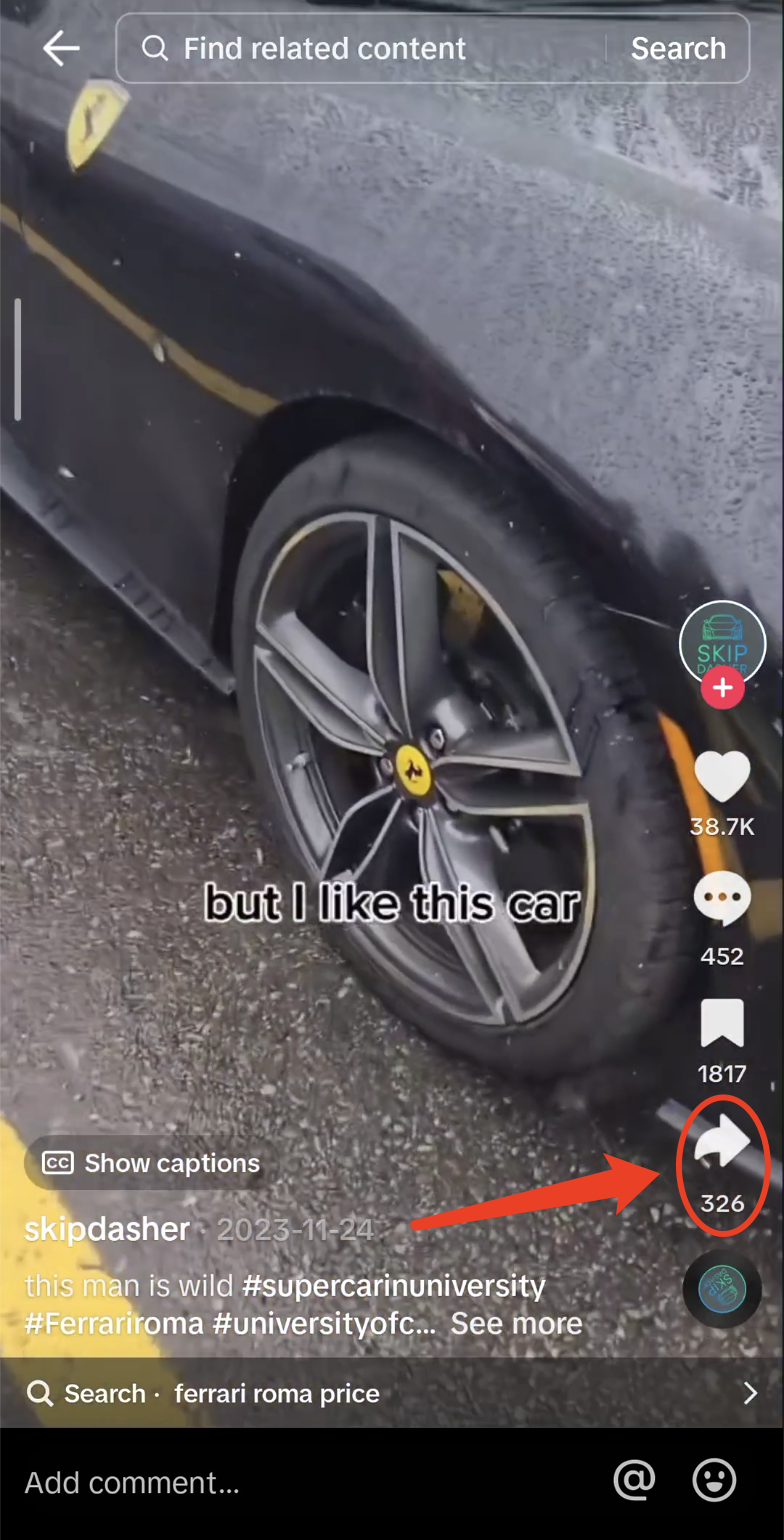
Step 1: Click the sharing arrow on the Tiktok page.
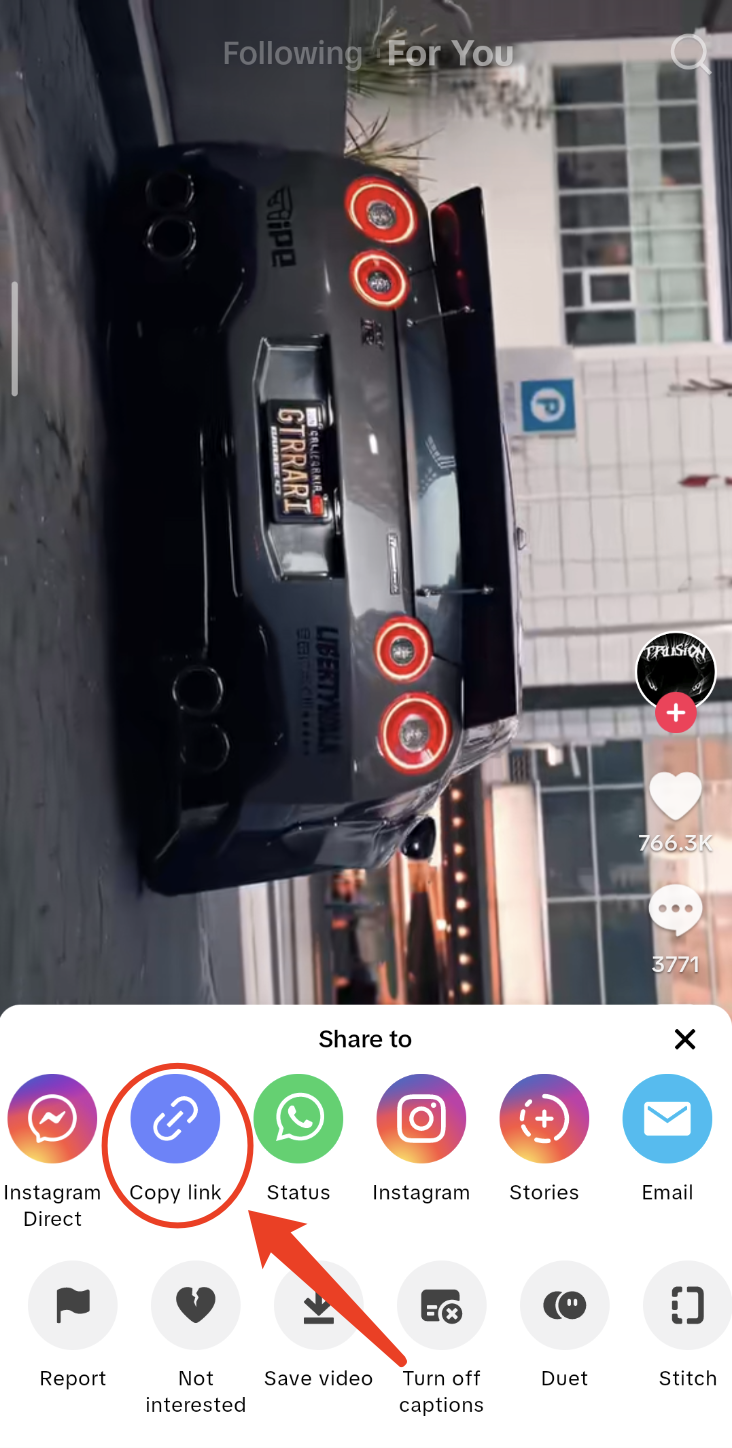
Step 2: Click "Copy link".
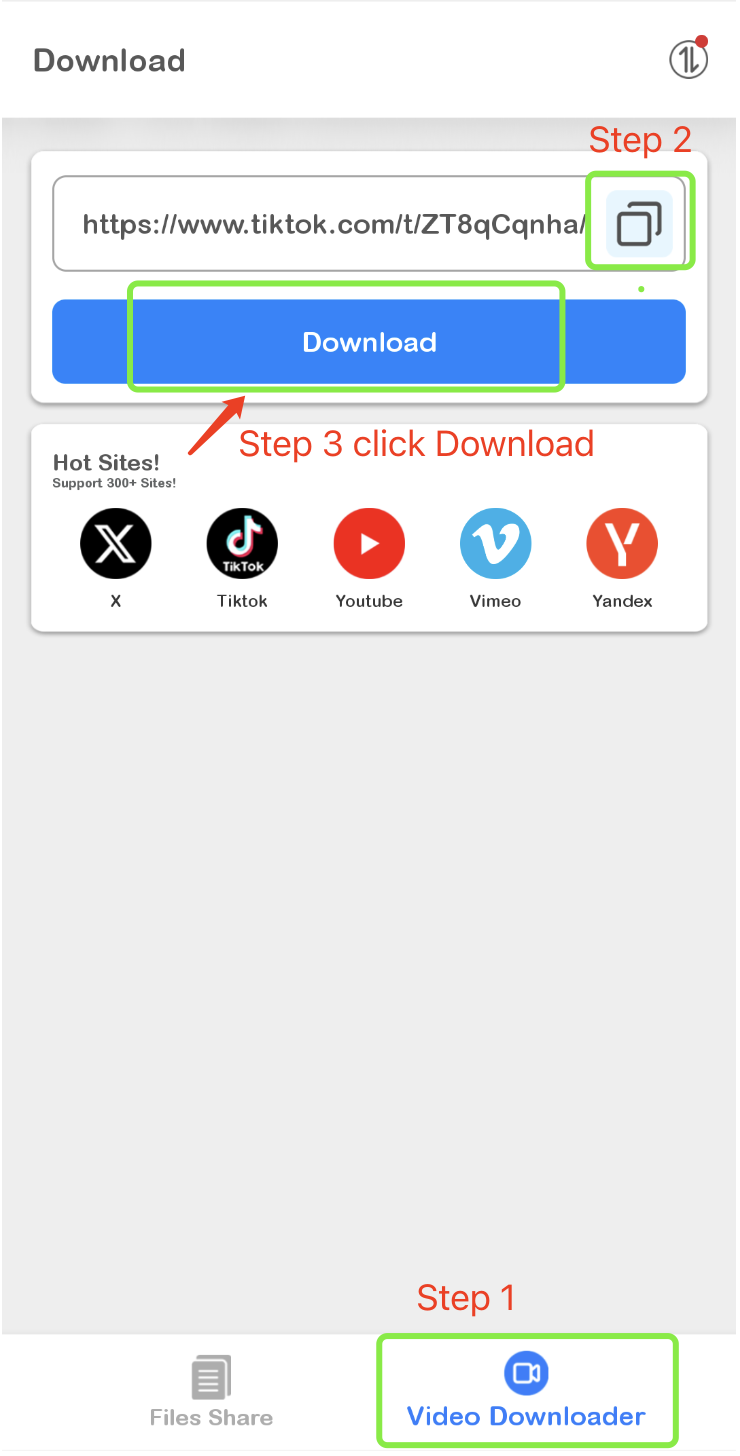
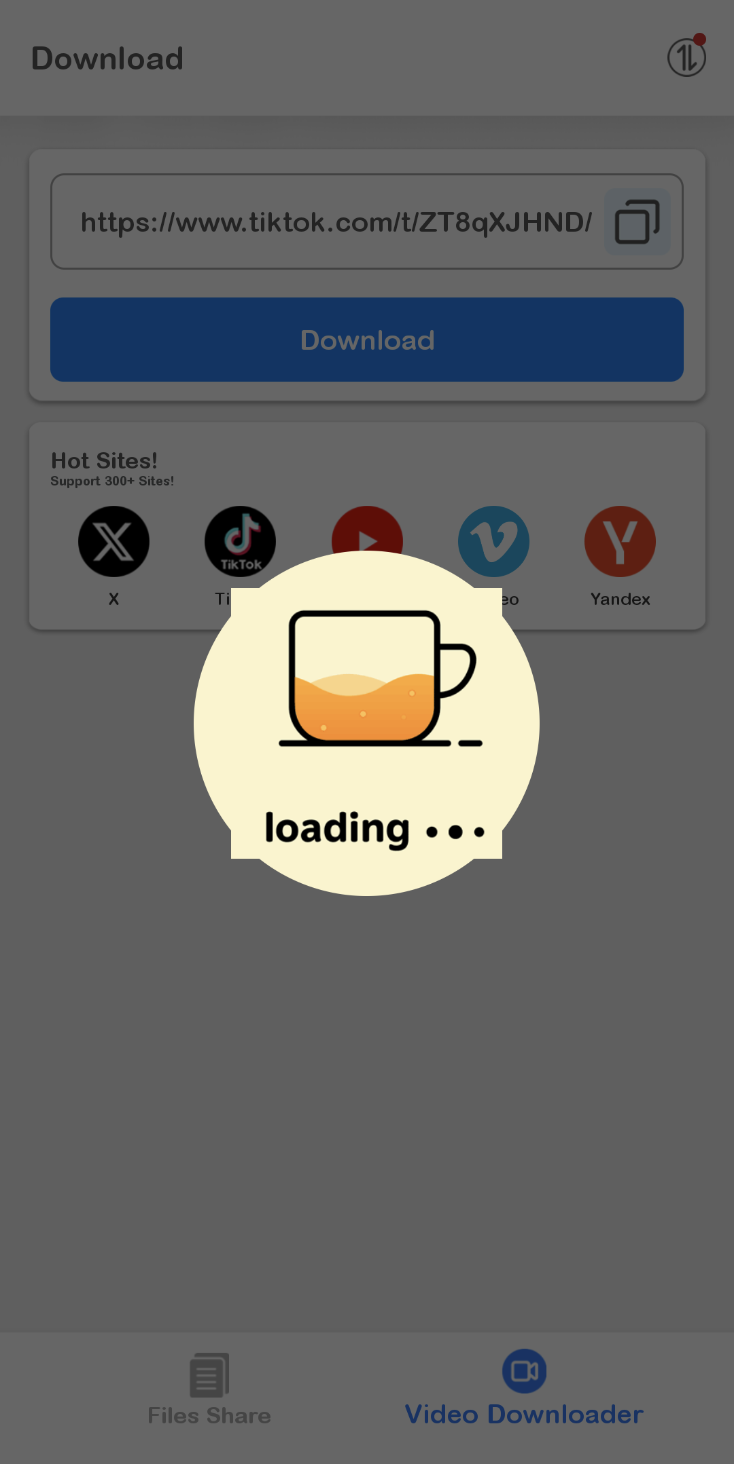
Step 3: Follow the steps in the picture to paste the link in and click the button.
Step 4: Please be patient and wait for a while.
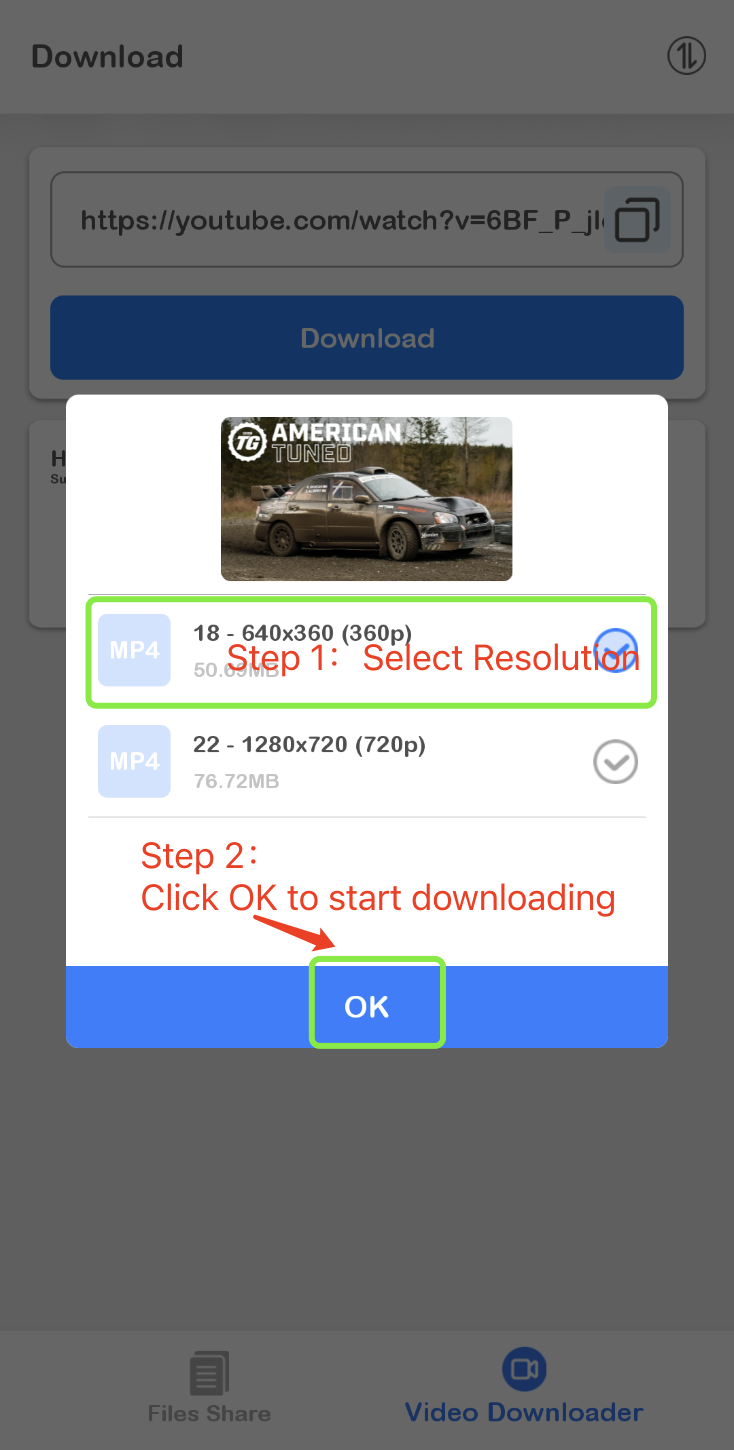
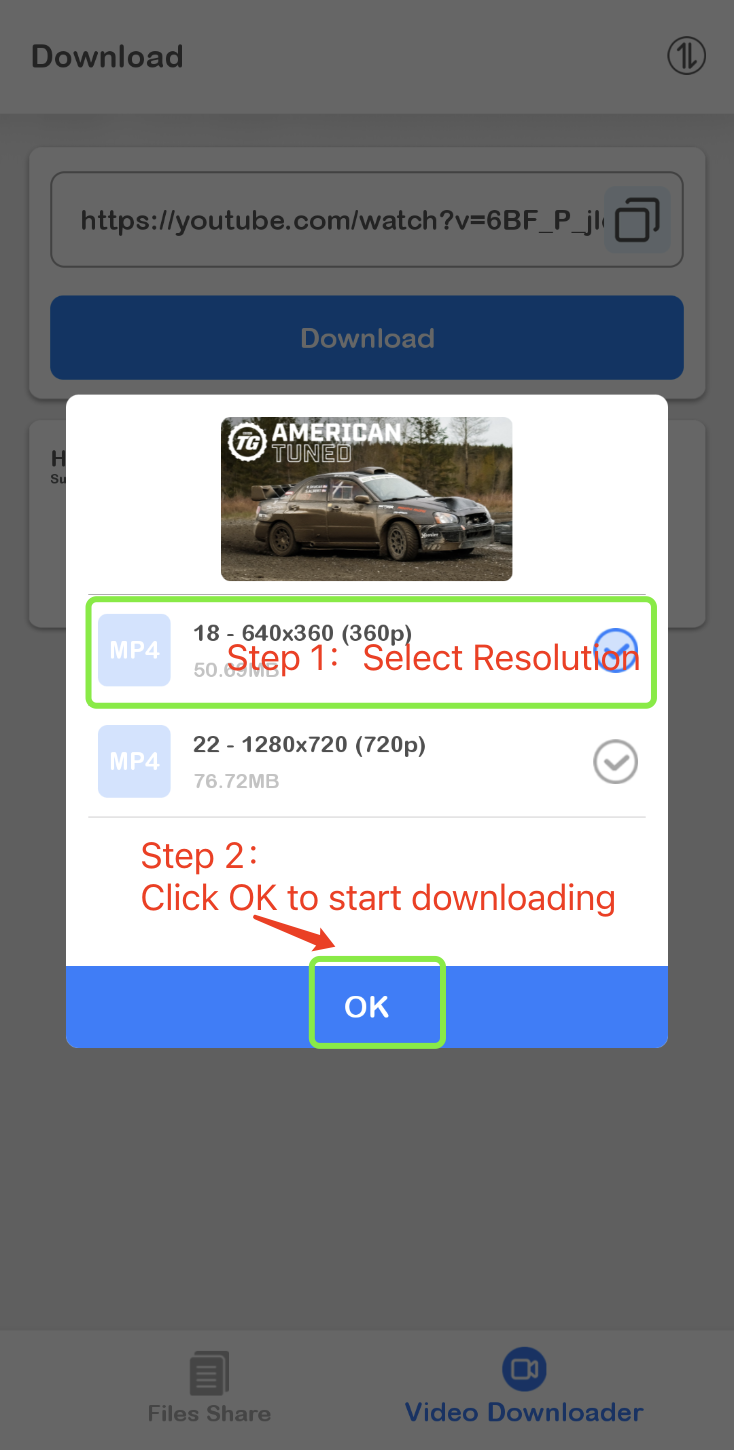
Step 5: After successful parsing, a pop-up window will appear. Please select the corresponding resolution and click OK.
Part3:Share to App
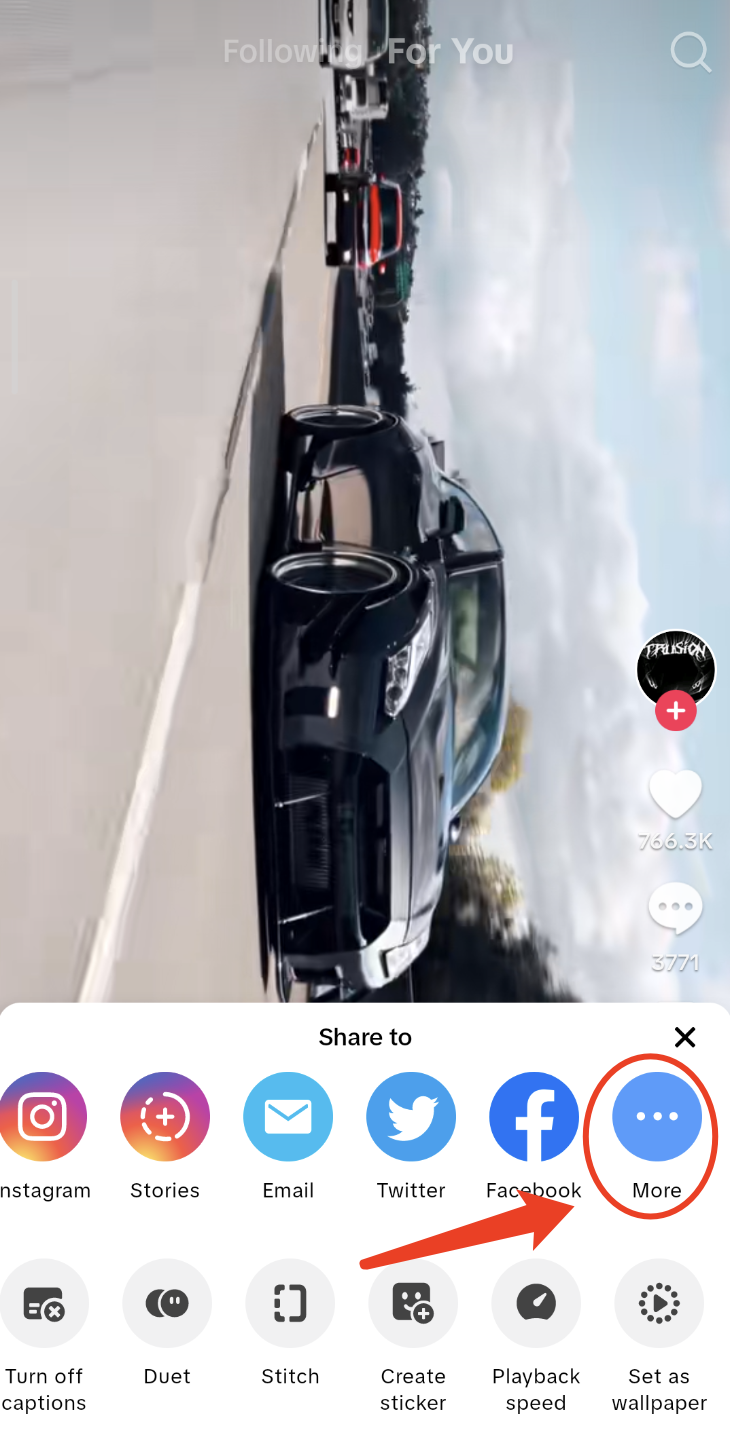
Step 1: Click the sharing arrow on the Tiktok page.
Step 2: Click "More".
Step 3: Find the Downloader icon for MeShare and click on it.
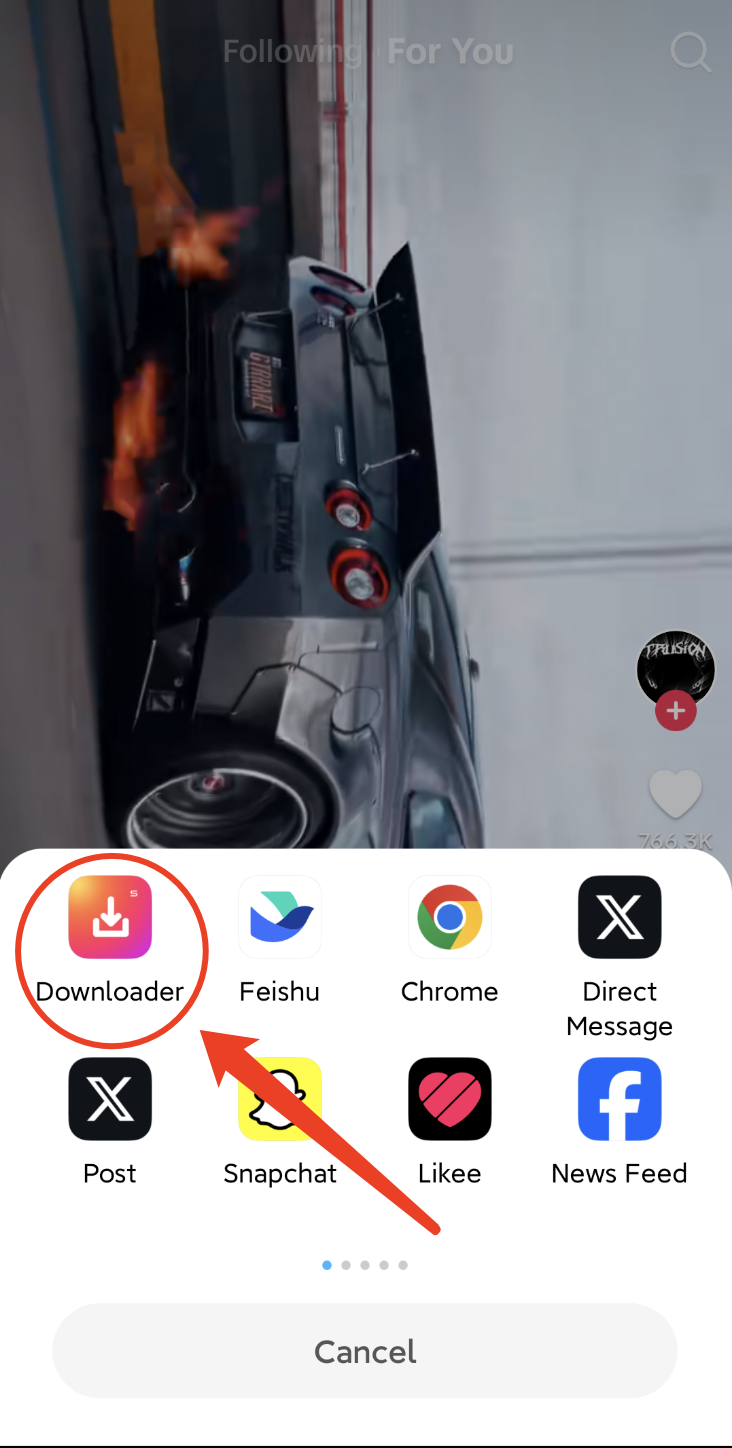
Note: MeShare will display two icons on different Android phones.
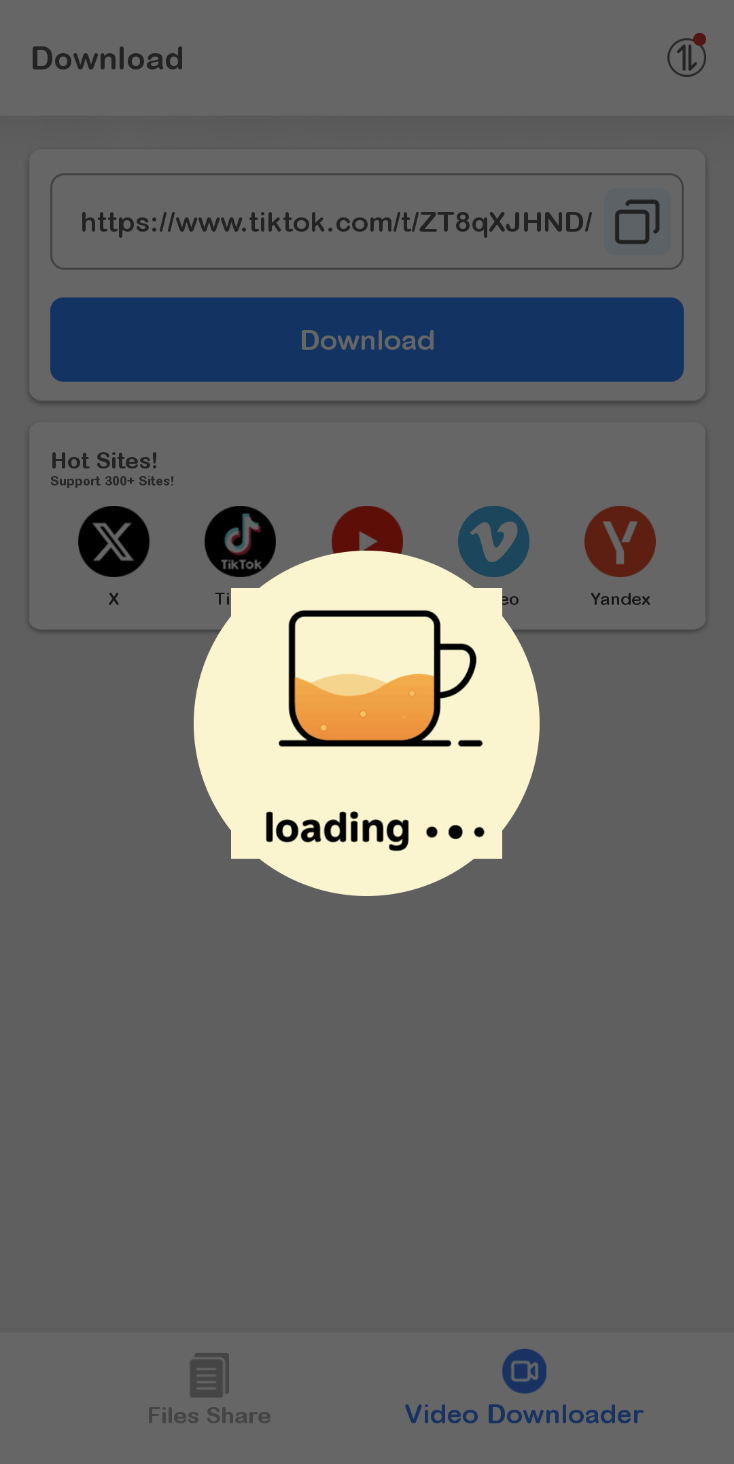
Step 4: Please be patient and wait for a while.
Step 5: After successful parsing, a pop-up window will appear. Please select the corresponding resolution and click OK.
Part 4:Manage your downloaded content.
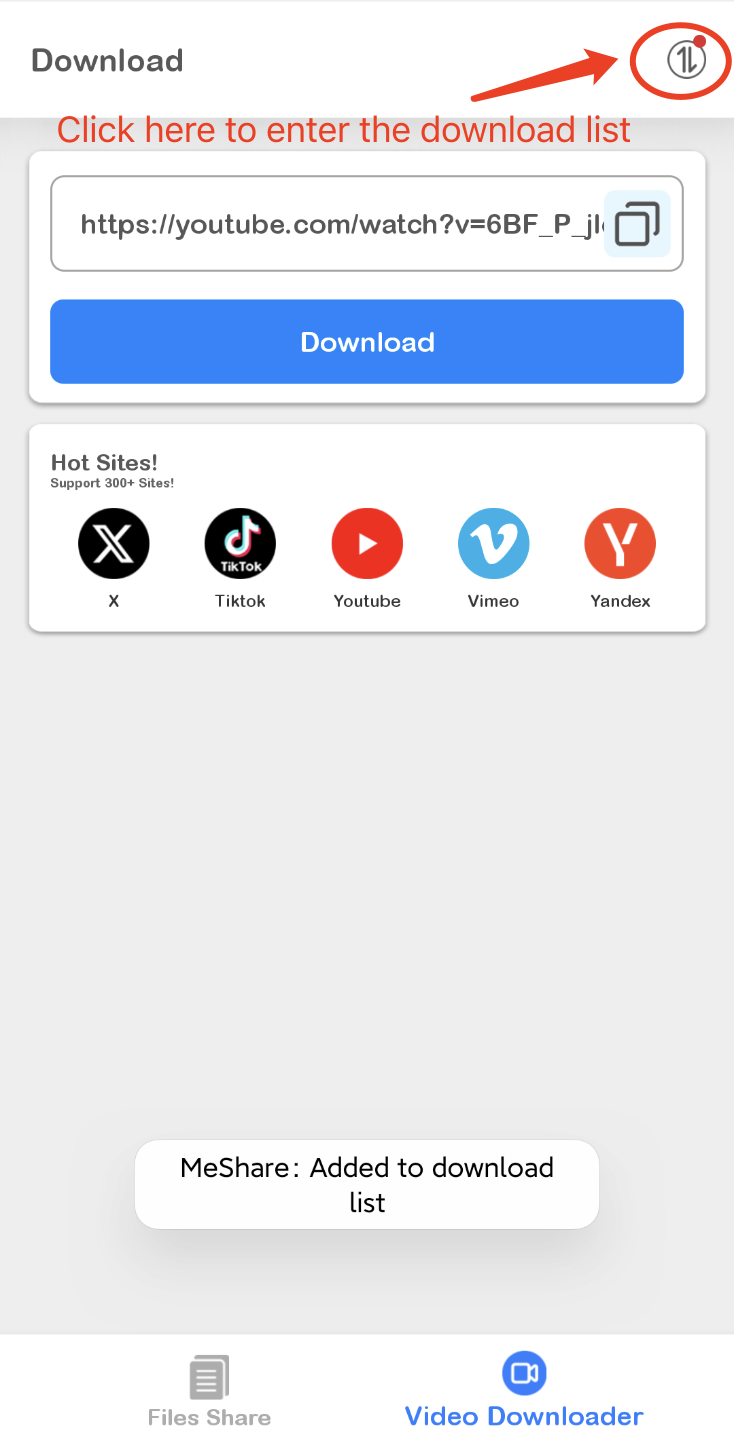
Enter the download list:
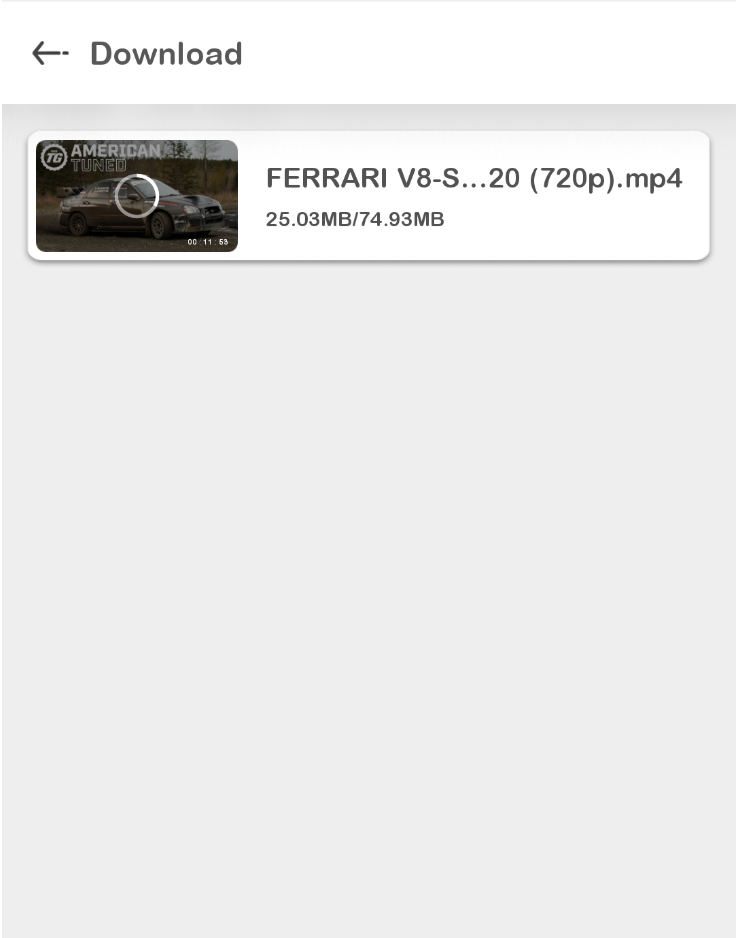
During download, you can click on the thumbnail to pause the operation:
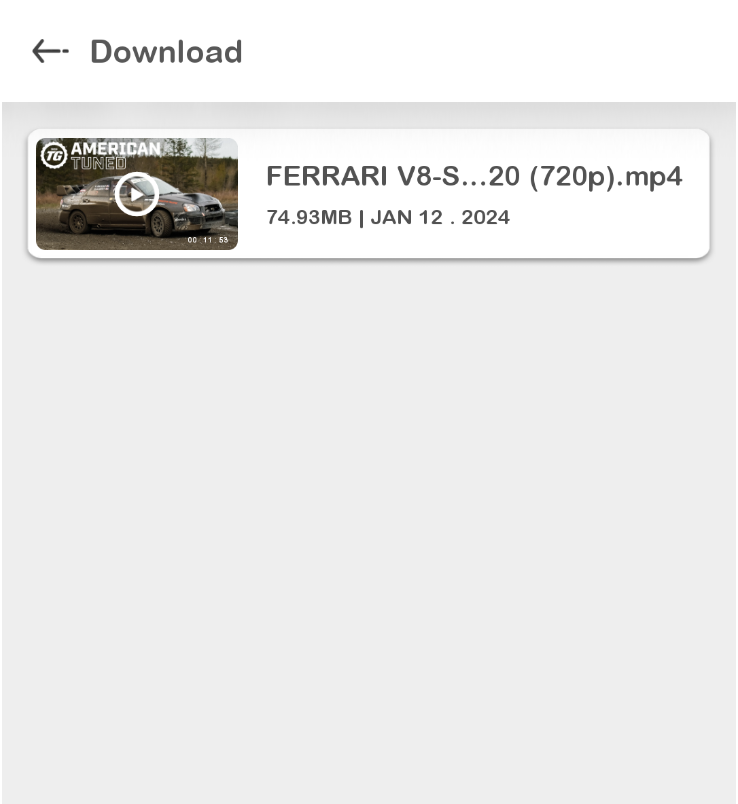
After successful download, click on the thumbnail to play:
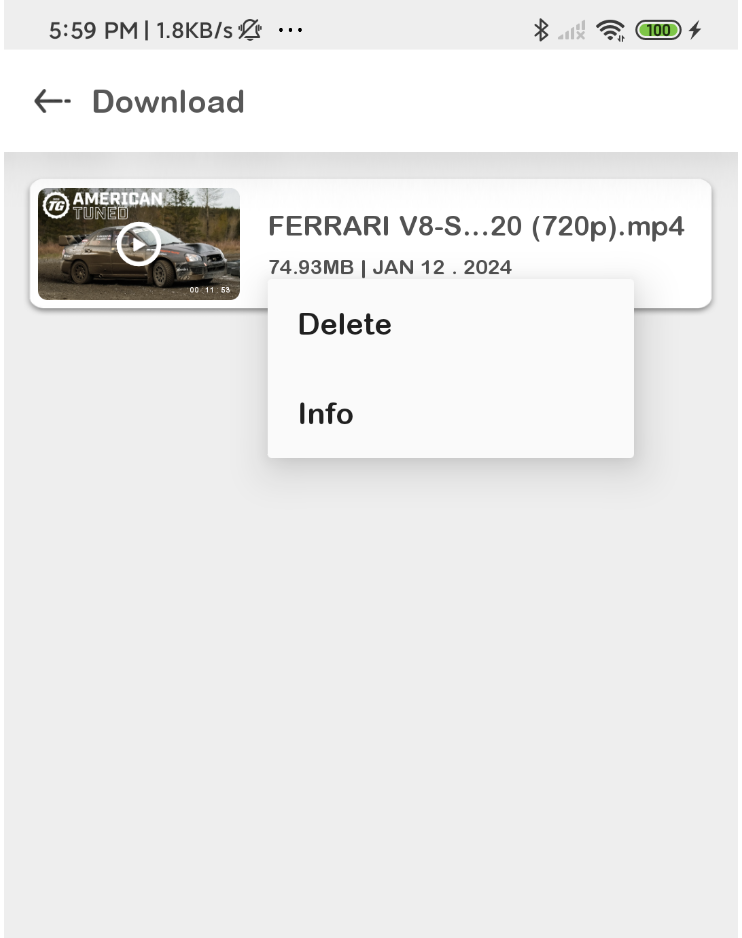
Long press any position on the entry to pop up a menu for deletion or viewing the download file location:
In conclusion: The above explanation explains how to download TikTok videos on the Android platform. Hope you support and share Meshare with your friends. Thank you!